The Free Keyword Image Generator
The LusyChat image tool generates photos of your character from a short text prompt. Same face, different scenes, different outfits, different lighting — the consistency that other generators usually break.
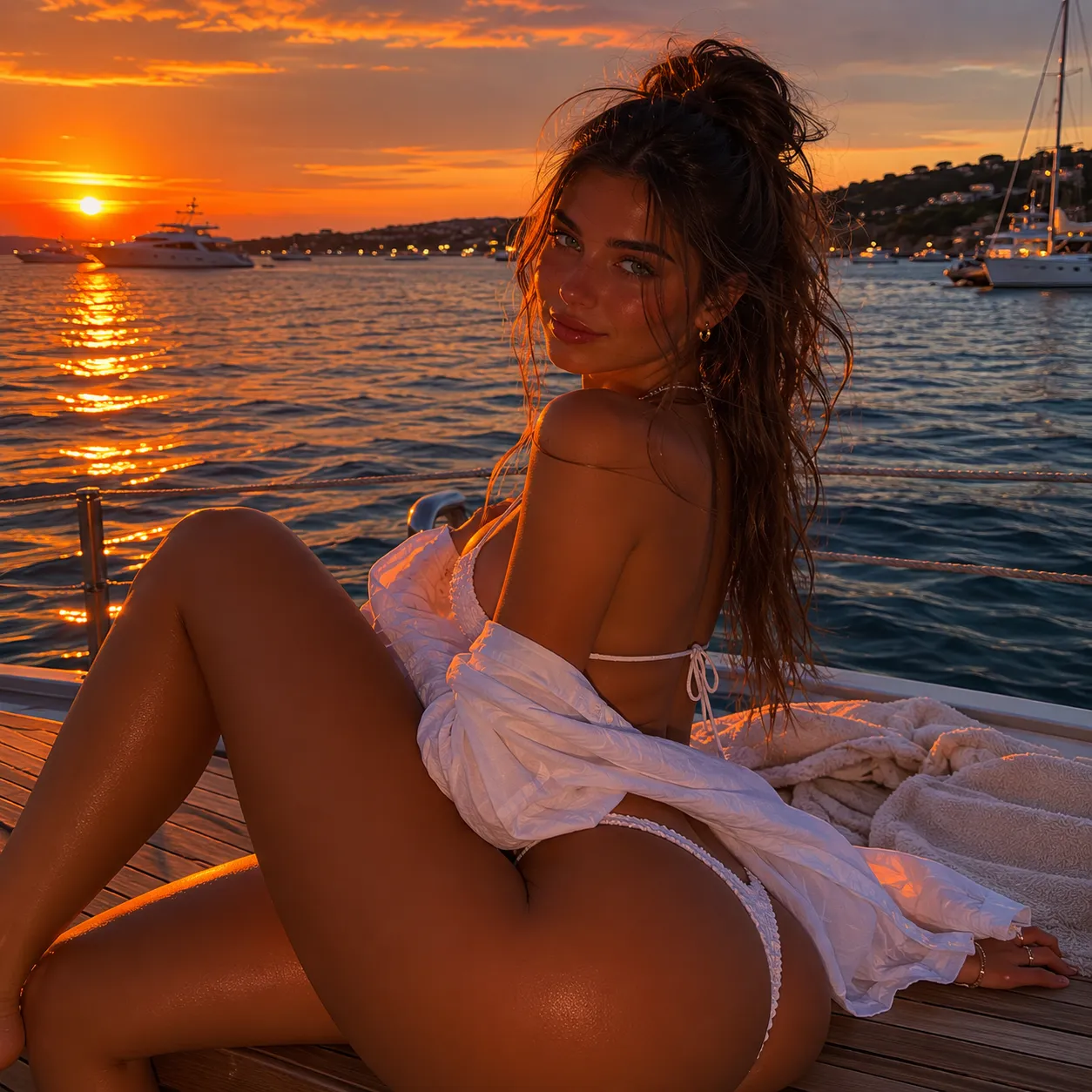
Six prompts from the Free Keyword Image Generator
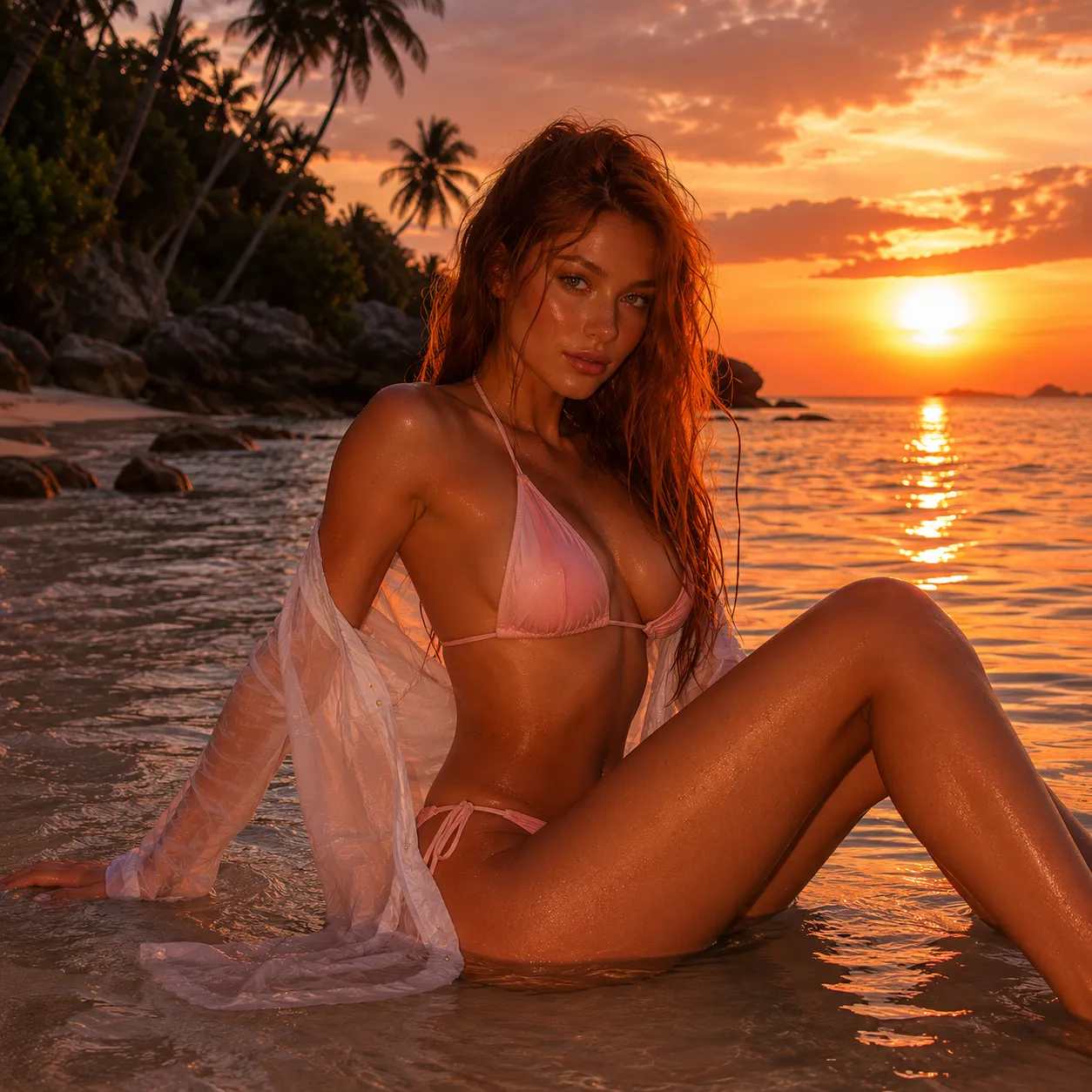
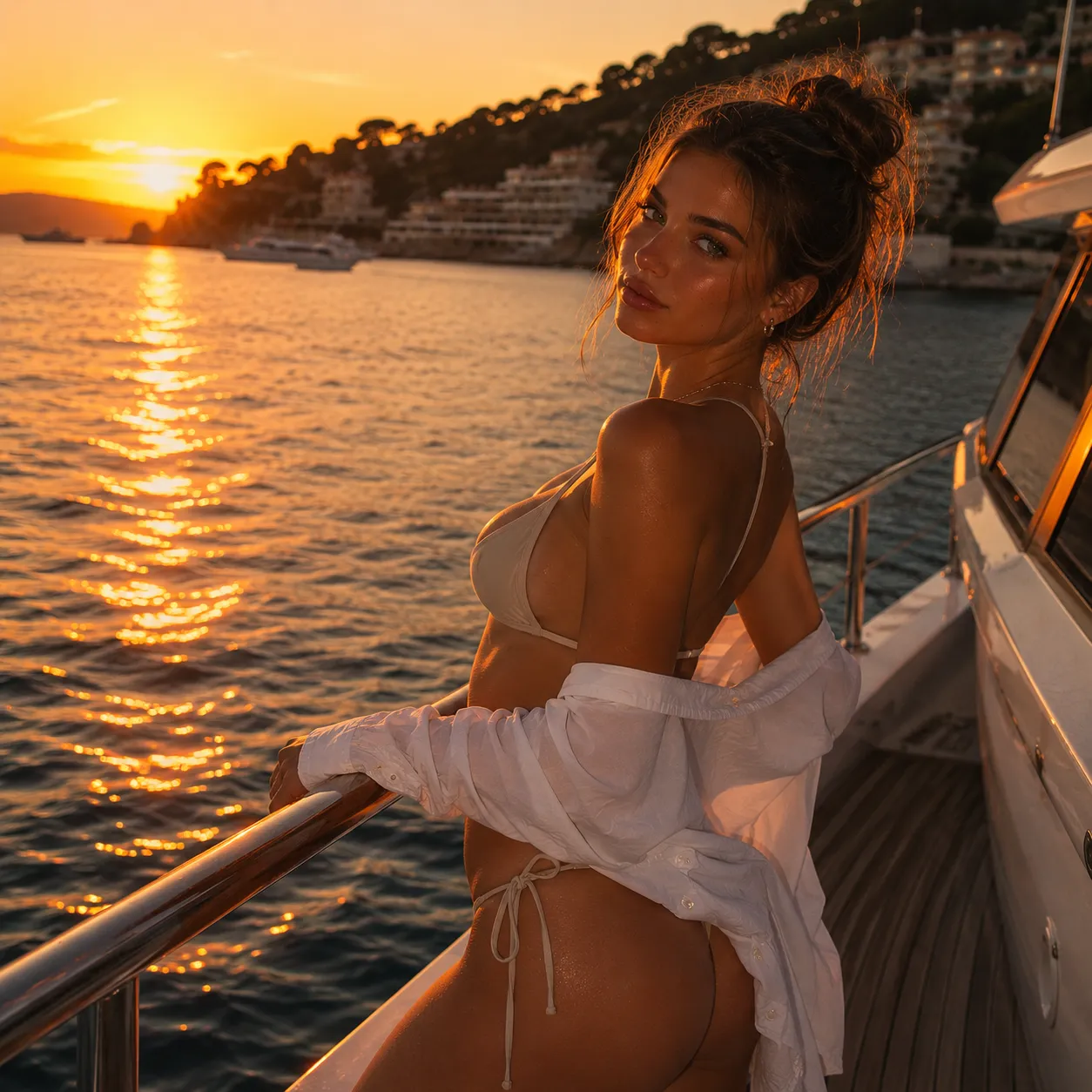
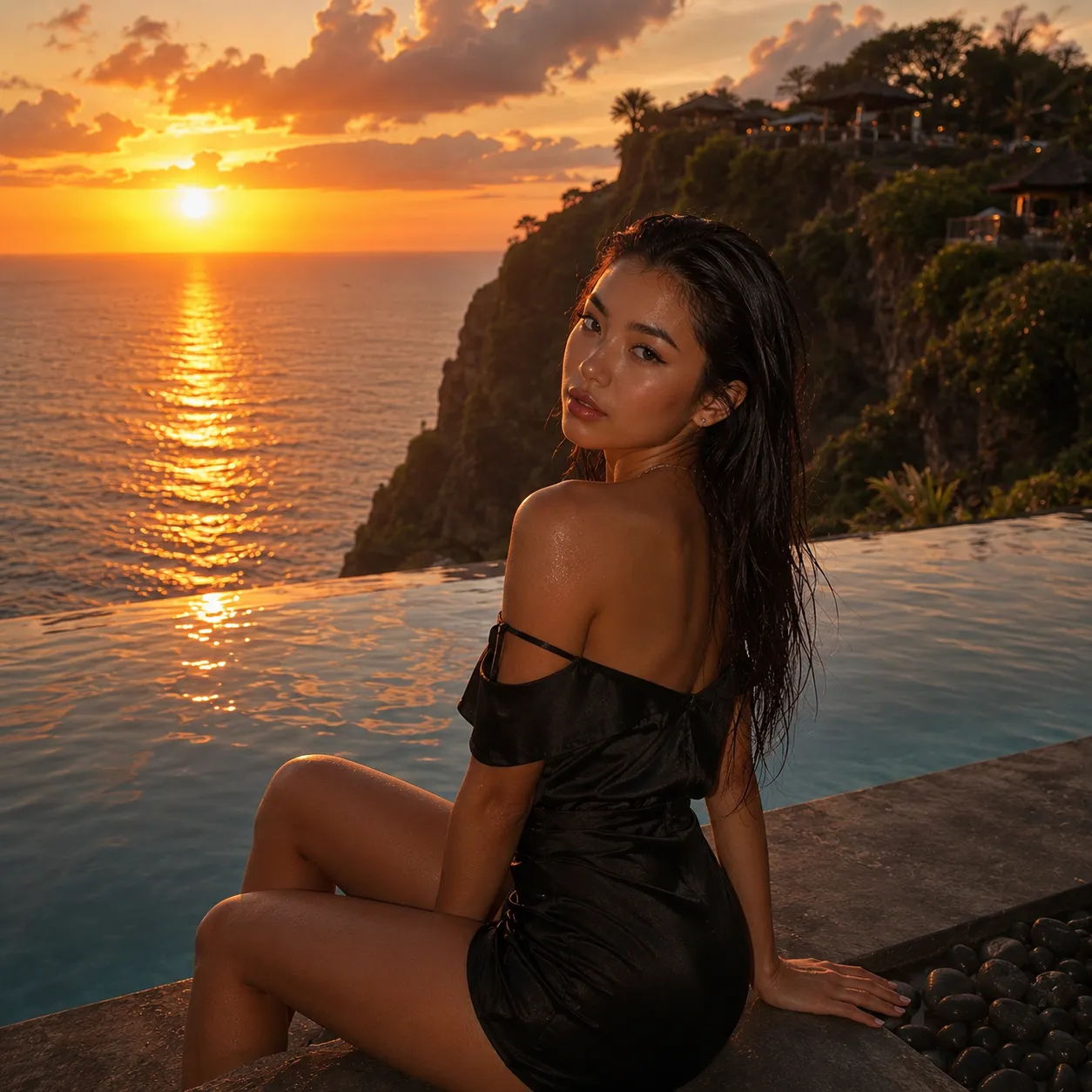
A small slice of what the Keyword Generator produces — same face, six different scenes, six different moods.
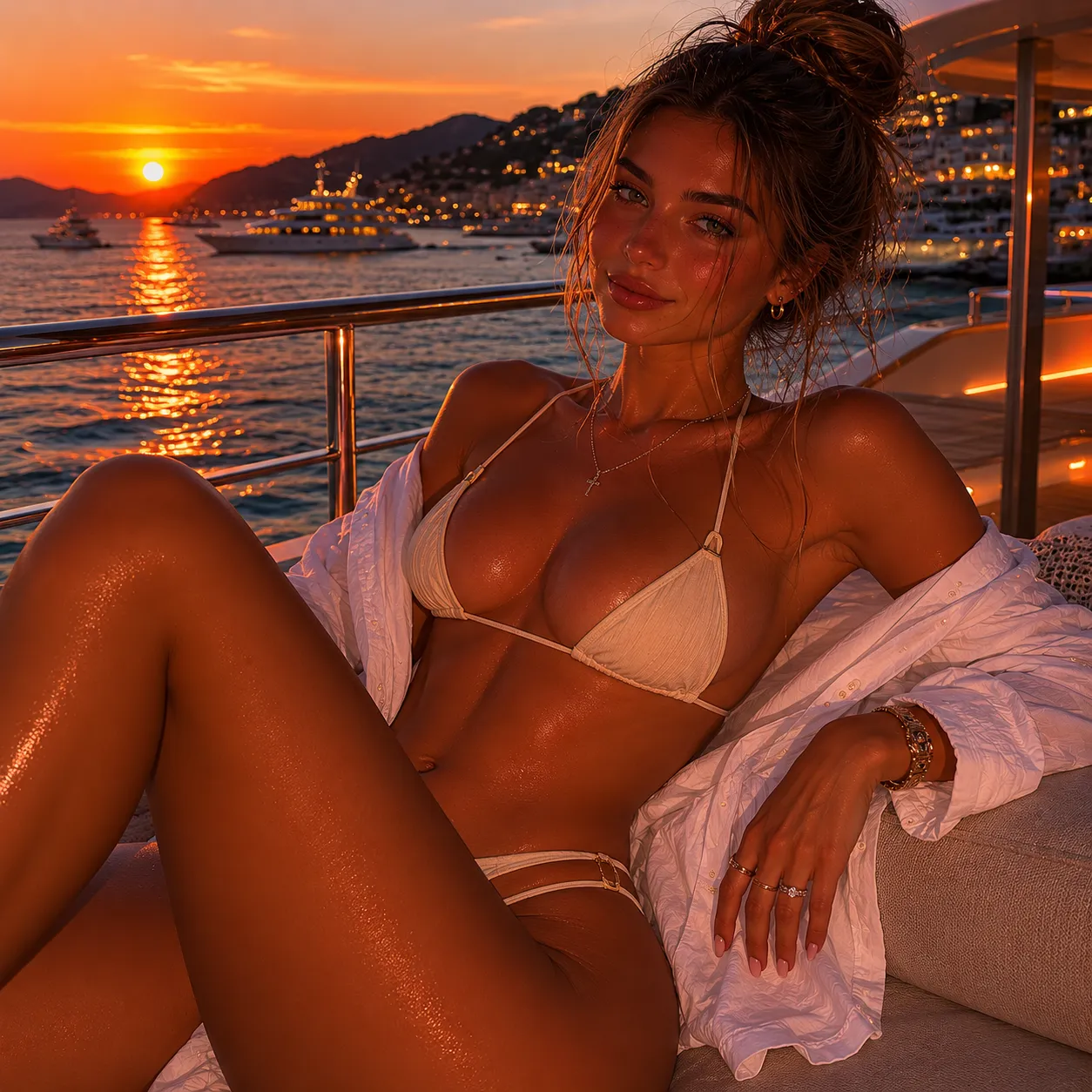
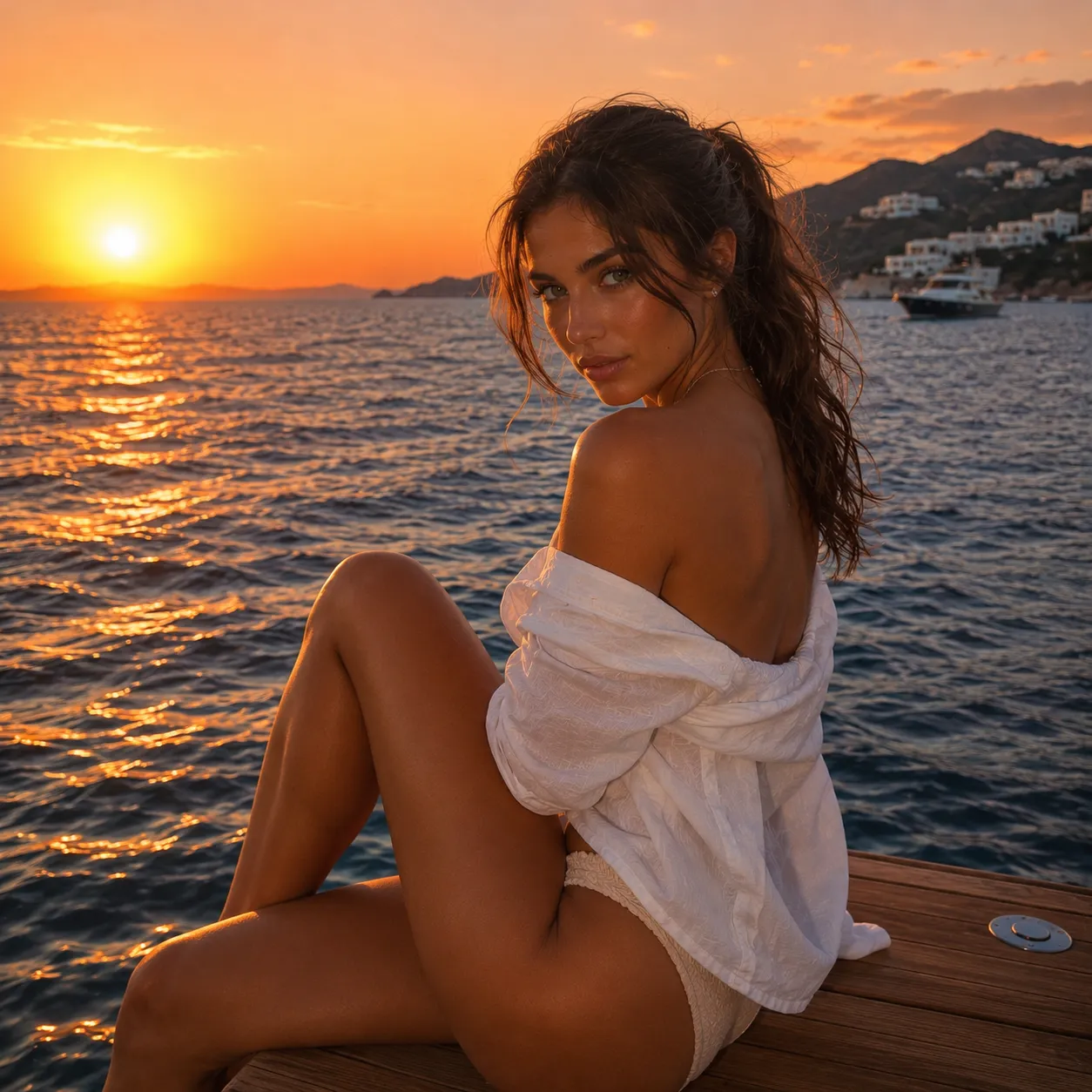
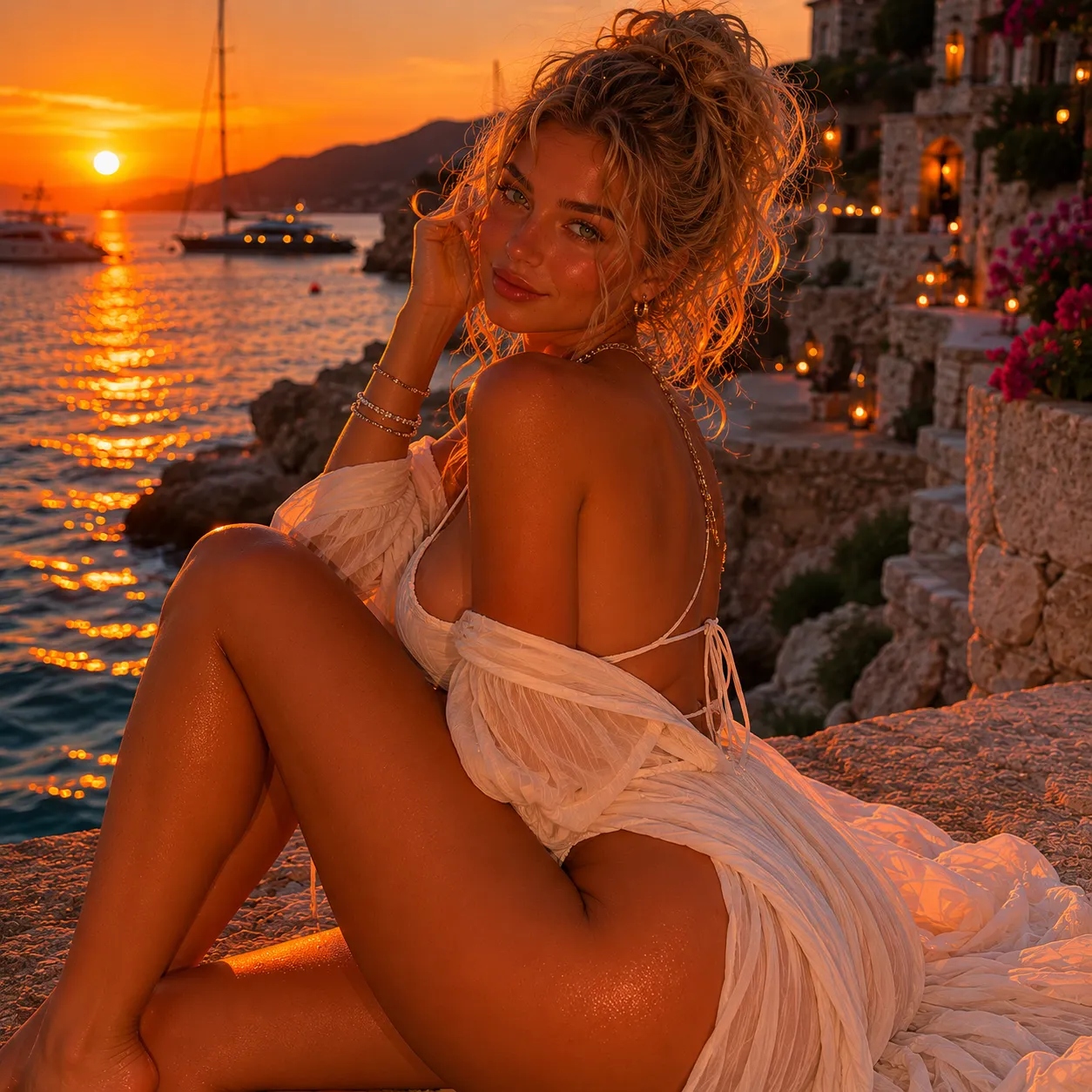
The Free Keyword Generator that keeps the face
Almost every text-to-image tool breaks the moment you ask for the same person twice. The Free Keyword Generator on LusyChat is built around that exact problem — once you set the character's appearance, every generation lands on the same face, the same eye colour, the same recognisable structure. Different scene, same person.
That consistency is the difference between a fun toy and an actual companion experience. You can generate her at the beach, then in a bookshop, then in your imagined kitchen on a Tuesday, and it is still her in every frame.
The Keyword Generator Chat integration
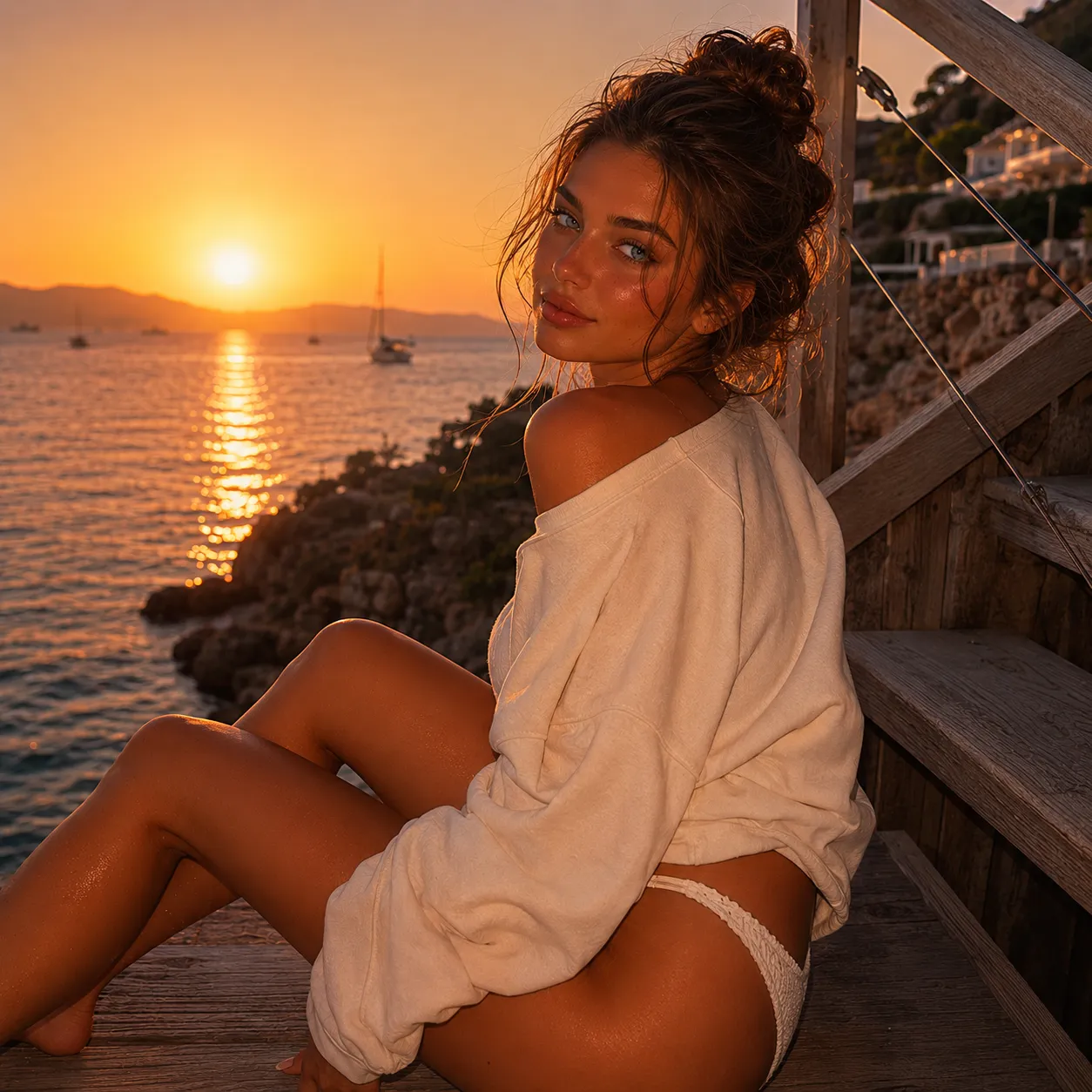
This is not a separate tool tab. The Keyword Generator Chat integration means you ask for an image inside the conversation — "send me one in the kitchen this morning" — and it appears in the thread like a real message. No context switch, no copy-pasted prompts, no separate UI to learn.
The image gets stored against the conversation, so weeks later you can scroll back and find the moment she sent it. That is the part that makes the feature feel native rather than bolted on.
The Keyword Photo Generator for realism
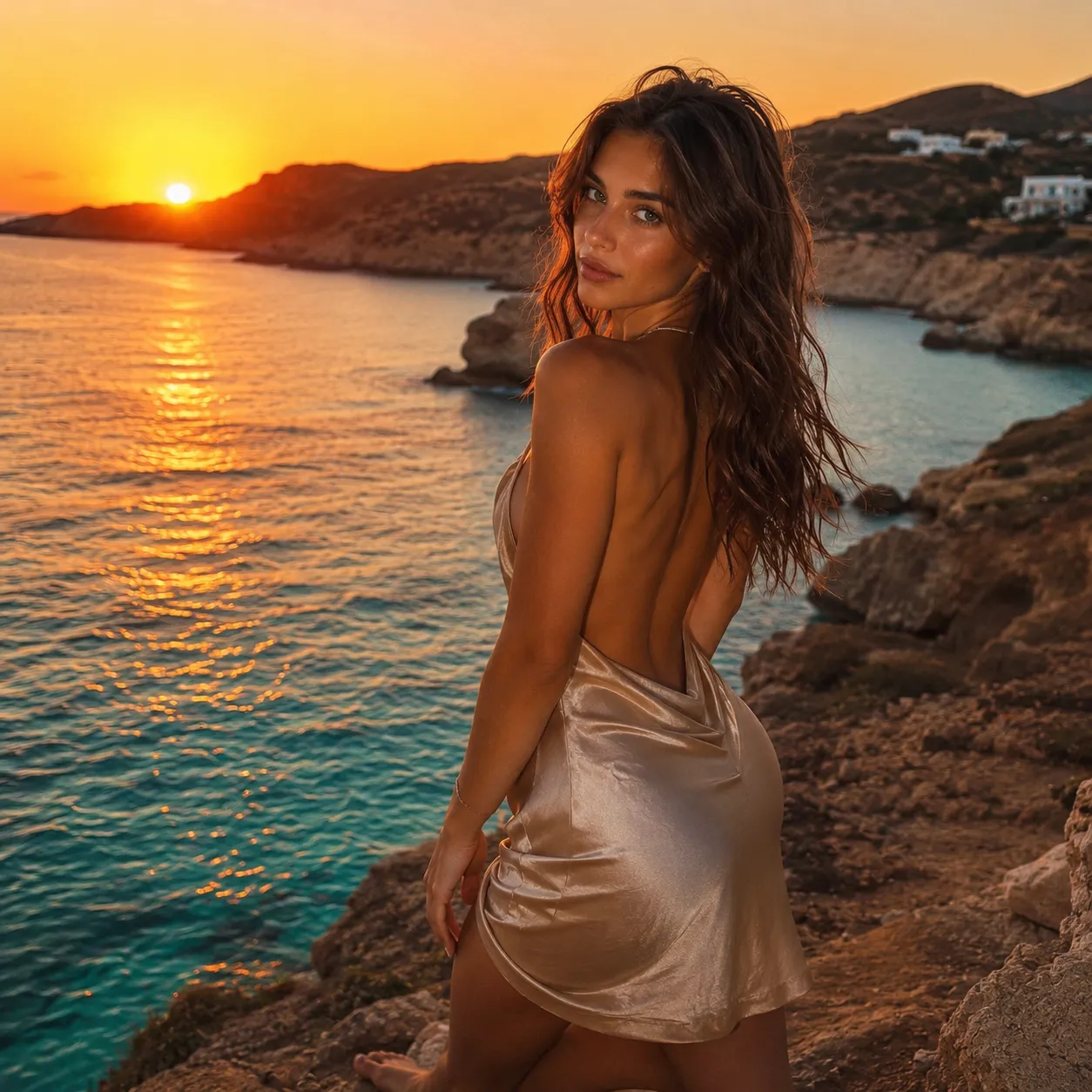
The Keyword Photo Generator mode is tuned for photoreal output — skin texture, lighting that behaves like a camera, depth of field that does not look like a filter. It is the default mode for users who want the character to look photographed rather than illustrated.
For users who prefer anime or stylised aesthetics, the style picker switches the whole pipeline. The character identity carries through every style; only the rendering changes.
From Keyword Picture Generator to short clips
Pick the prompt
Type the scene in a sentence. "Coffee shop, raining, looking up from her book." A few words land more cleanly than long paragraphs.
Pick the mode
Still image, photo style, illustration, or short motion clip. Each mode runs the same character through a different pipeline.
Free Keyword Video Generator
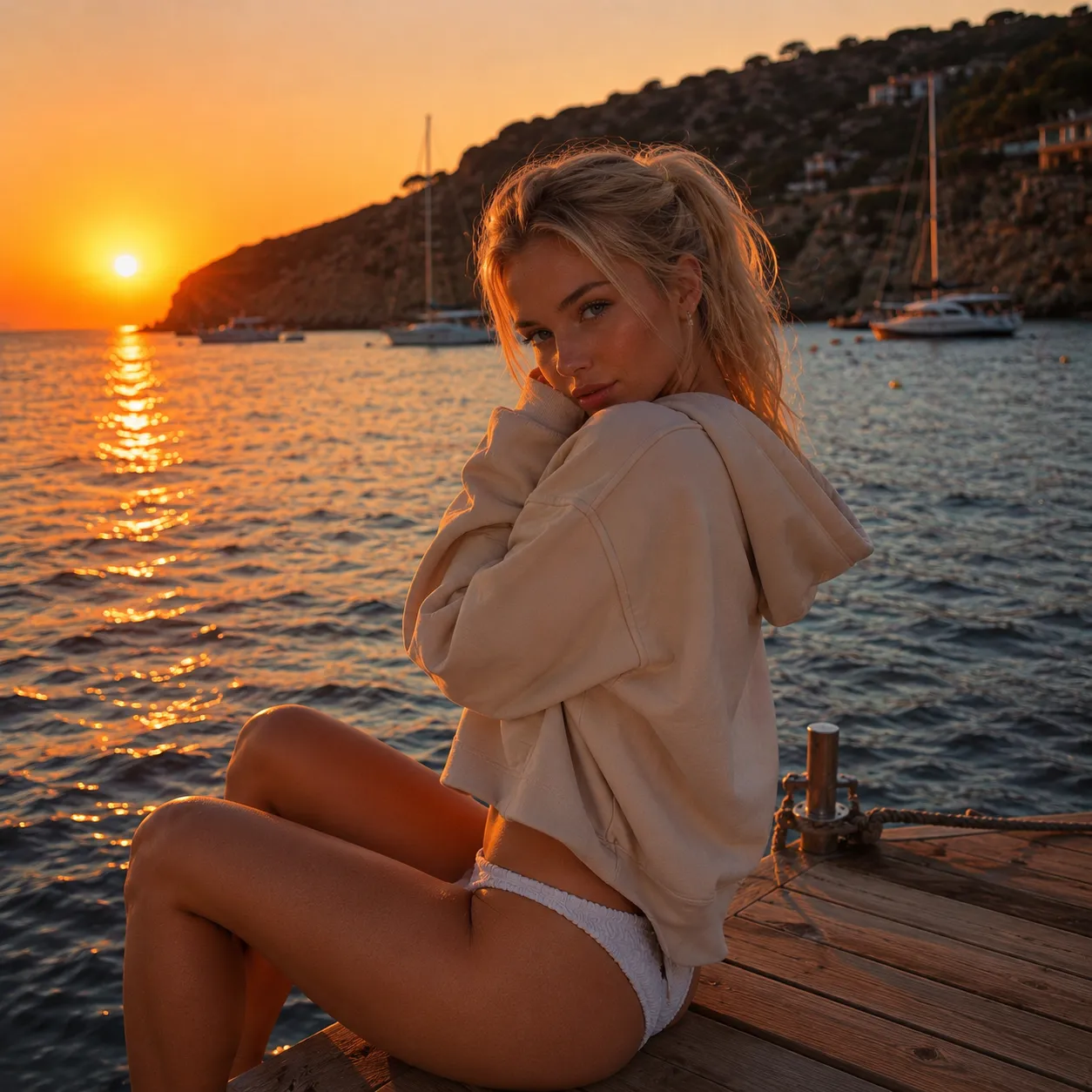
The Free Keyword Video Generator on premium turns the prompt into a five to fifteen second clip. Save it, send it, regenerate with different motion.
Why users stay with the Keyword Generator
Used three other generators before this. The character consistency on LusyChat is in a different league. The face is hers across every output.
Asking for an image inside the chat instead of a separate tool was the small thing that made the whole product click for me.
Photoreal mode is genuinely impressive. The lighting and skin feel like a real camera, not an AI filter sitting on top.
Try the Free Keyword Generator for the next 10 minutes
Free quota loads instantly. No card on file. Generated images stay in your account and the chat thread.
Keyword Generator FAQ — common questions
Open the Free Keyword Image Generator.
Six words is enough. Three seconds and she lands in the thread.
Open the Generator